






Theme Customization
Header
For Header Customization, follow these steps to customize your header logo and style in the Spectra theme:
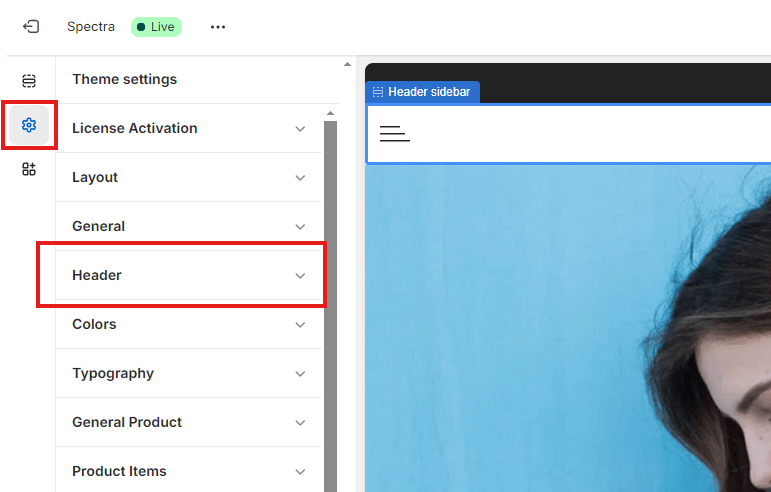
1. Accessing Header Settings
- Navigate to the Theme Settings in the Spectra customizer.
- Click on the Header tab to open the header customization options
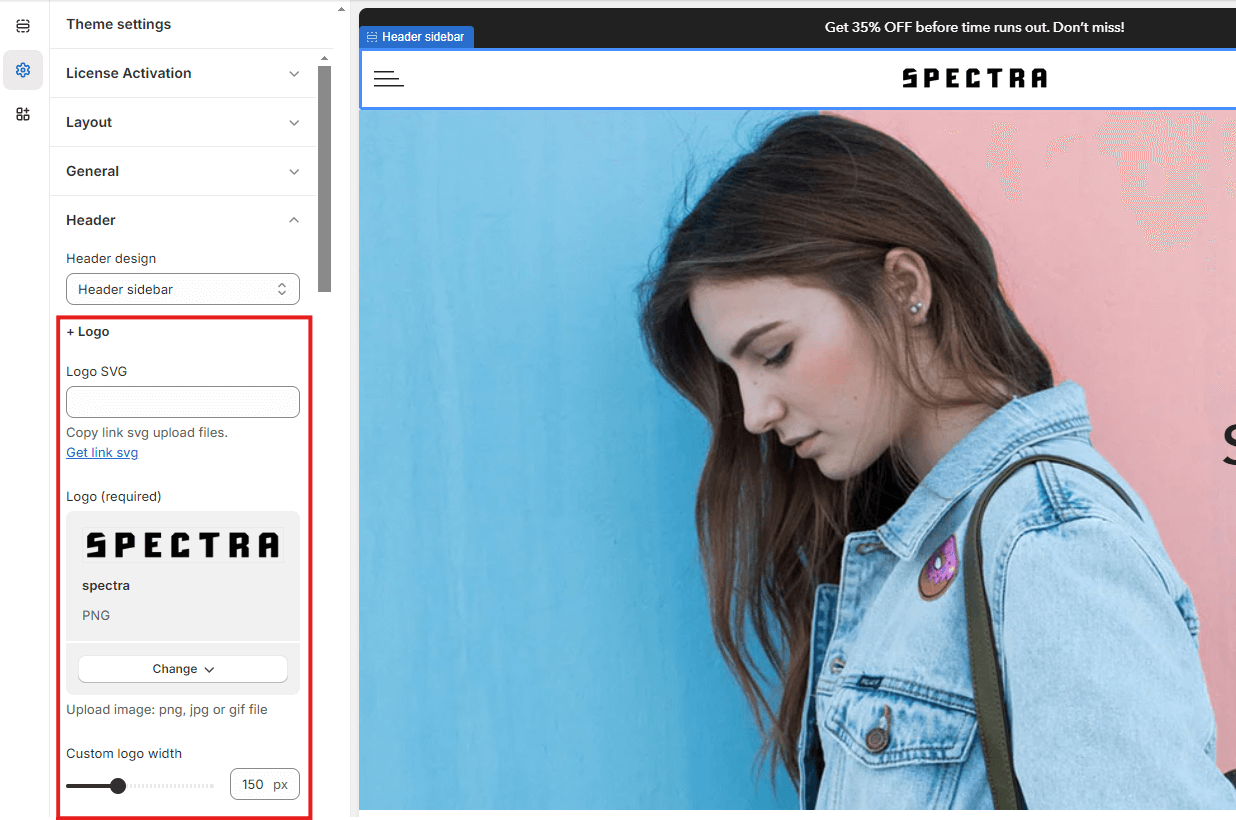
2. Customizing the Logo
- Here, you can upload or update your store’s logo. Ensure that the logo fits within the recommended dimensions for the best appearance.
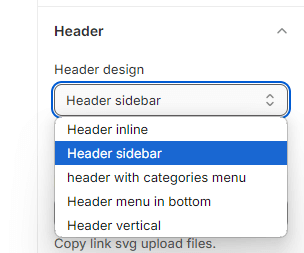
3. Choosing a Header Style
- Select from various header styles and designs to fit your store’s brand. You can adjust the layout, color scheme, and other design elements to match your store’s aesthetic.
Make your header unique by utilizing these simple customization features!
